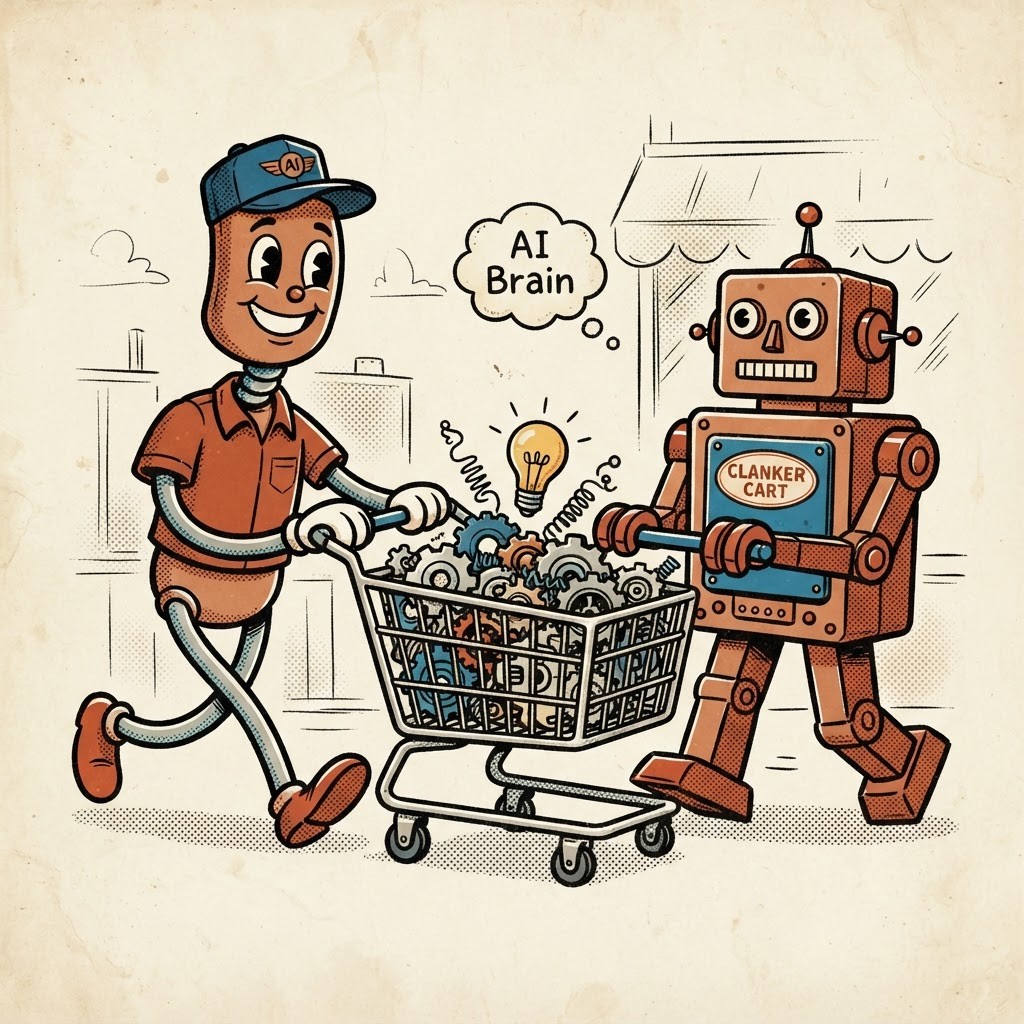
7 Mistakes You’re Making With AI Writing Assistants (and How to Fix Them)

AI writing assistants can save you a good chunk of time. They can turn a blank page into a workable email, tidy up a rough announcement, or help you find a less awkward way to say something.
Quick shop note: Clanker Cart may earn a commission if you buy through some links in this article, at no extra cost to you. That never changes our recommendations. We base those on our own inspections, not affiliate payouts.
But they are not magic typewriters. They are more like fast junior helpers: useful, tireless, and occasionally very confident about things they have completely misunderstood.
The best results come from using them for the right jobs, checking their work, and giving them enough material to work with. Here are seven common mistakes: and the simple repairs that get the machinery running smoothly again.
1. Sending the first draft straight to the customer
The problem: the machine is still warm
AI-generated writing often looks polished at first glance. Read it twice, though, and you may find vague claims, repeated phrases, a strangely formal tone, or an opening that sounds like it was written for every business on Earth.
That does not mean the tool is useless. It means the first draft is a starting point, not a finished product.
The fix: make one human editing pass
After the assistant writes something, ask yourself:
- Does this sound like me?
- Is every detail correct?
- Would a real customer understand it quickly?
- Does it include anything I would not actually say?
- Can I remove a paragraph without losing the point?
Add your own examples, opinions, prices, dates, and customer language. Those specific details are what make the copy useful instead of merely smooth.
A quick read aloud also helps. If you would never say a sentence to another person, send it back to the repair bench.
Clanker Cart verdict: AI is a strong first-draft helper. It is a poor substitute for your final judgment.
2. Trusting facts because they sound confident
The problem: a polished wrong answer
AI assistants can invent statistics, dates, quotes, product features, and sources. The wording may sound completely certain, which makes the error harder to spot.
This matters even more for small businesses. A wrong delivery date, inaccurate product claim, or made-up regulation can damage trust quickly.
A useful overview of common AI mistakes from the University of Louisiana makes the same basic point: the tool’s confidence is not proof.

The fix: verify every important detail
Treat specific claims as items waiting for inspection.
Check:
- Dates and deadlines
- Prices and fees
- Statistics
- Names and job titles
- Legal, medical, or financial information
- Quotes and citations
- Product capabilities
For important work, open the original source instead of relying on the assistant’s summary. If you cannot confirm a claim, remove it or rewrite it without the unsupported detail.
The safest division of labor is simple: you provide the trusted facts, and the assistant helps organize or explain them.
3. Giving the assistant a one-line prompt
The problem: no work order, no useful result
“Write a newsletter about my business” is not much of a brief. The assistant has no idea who the newsletter is for, what you want readers to do, or how your business normally sounds.
So it fills the gaps with generic language. That is how you end up with “In today’s fast-paced world” and a paragraph that could belong to a bakery, a roofing company, or a software firm.
The fix: write a five-line brief
Before opening the tool, jot down:
- Who is this for?
- What should they understand or do?
- What facts must be included?
- What tone should it use?
- How long and in what format?
For example:
Write a 250-word email for quilt shop customers. Tell them our Saturday beginner class has six spaces left. Make it friendly and clear, with one simple call to action. Avoid hype and do not invent details.
That small work order gives the assistant something solid to build from.
You do not need advanced prompting tricks. Plain instructions and useful source material beat clever formulas most of the time.
4. Pasting private information into the wrong tool
The problem: the open toolbox has no lock
It is tempting to paste a customer email, contract, staff complaint, unpublished financial report, or full mailing list into an AI assistant and ask it to “clean this up.”
Before you do, stop and consider what information the tool is receiving, how the provider handles it, and who else may have access. Privacy policies and account controls vary, and free consumer tools may not be the right place for confidential work.
The fix: remove what the assistant does not need
Use the minimum information necessary.
Instead of pasting:
Jane Smith at 44 Oak Street says her order 91827 arrived damaged...
Try:
A customer received a damaged order. Write a calm reply that apologizes, offers a replacement, and asks for a photo.
Remove names, addresses, order numbers, phone numbers, passwords, private contracts, and sensitive business figures unless you have a clear reason and the right account controls.
Create a simple house rule: customer data, confidential documents, and private financial information stay out of general-purpose AI tools unless the business has approved that setup.
5. Paying for the biggest tool before testing the small one
The problem: buying a forklift to move a pencil
A paid writing assistant may offer useful extras: longer document handling, brand settings, shared workspaces, or specialized templates. But many people subscribe before knowing what they actually need.
That can leave you paying monthly for a machine that mostly writes the same short emails a free tool could handle.
The fix: test one real task first
Choose one repeatable job, such as:
- Drafting a weekly newsletter
- Turning notes into a social post
- Proofreading customer replies
- Creating product descriptions
- Summarizing meeting notes
Test the free option or trial on that task. Track two things:
- Did it save meaningful time?
- Was the editing effort reasonable?
Only upgrade if the paid features solve a problem you genuinely have.
A simple general-purpose assistant is usually enough for brainstorming, rewriting, and short drafts. A specialized writing tool may make sense if you produce large volumes of marketing copy or need team controls. If you discover that writing is not an occasional cleanup job but an ongoing production line, keep Friday AI in mind after the test, not before it. It is built more for steady article and copy output than the odd rewrite here and there, so it makes more sense once you know you truly need that volume. It is also an AppSumo lifetime deal, and those deal tiers and prices tend to move around, so check the live listing before making any assumptions. The advanced option is not automatically the practical option.
6. Letting the tool flatten your personality
The problem: every sentence arrives wearing the same beige jacket
AI writing often has a familiar shape: tidy paragraphs, careful transitions, mild enthusiasm, and very little point of view.
That may be acceptable for a rough internal note. It is less useful for a personal newsletter, sales page, author bio, or social post where people are choosing to listen to you.
Watch for:
- Generic introductions
- Empty words such as “seamlessly” and “innovative”
- Too many headings
- Repeated sentence patterns
- Long explanations where a plain sentence would do
- Claims that sound impressive but say very little
A recent Forbes discussion of common AI writing “tells” covers several of these habits.
The fix: give it your raw material
Paste in a paragraph you wrote yourself and say:
Match the warmth and directness of this sample. Keep the wording plain. Do not add claims that are not in my notes.
If you want a tidy place to do that kind of sample-and-match work, Lex is a sensible writing workspace to consider because the draft and the AI help live in the same document. That makes it easy to drop in your own paragraph and steer the machine back toward your real voice. It is better at nudging and suggesting than writing the whole piece for you, it is built for prose rather than heavily designed documents, and very large manuscripts can run into file-size limits, so longer projects are usually smoother as separate chapter files. We have also put it through our own shop test in this full Lex inspection (bench score 4.4/5).
Then edit the result further. Add a real customer example, a firm opinion, a small joke, or the phrase your business actually uses.
The goal is not to hide that AI helped. The goal is to make sure the finished writing still belongs to a human being.
7. Using AI without a repeatable checking routine
The problem: every job starts from scratch
If you use an assistant differently every time, quality becomes a coin toss. One draft may be useful; the next may wander into the weeds wearing a hard hat.
You do not need a complicated company-wide system. A five-step routine is enough.

The fix: use this small inspection checklist
1. Brief it.
State the audience, purpose, facts, tone, and format.
2. Draft it.
Ask for a first version, not a supposedly perfect final version.
3. Check it.
Verify claims, dates, numbers, names, and promises.
4. Personalize it.
Add your experience, examples, preferences, and natural voice.
5. Approve it.
Read the final version as if you were the customer receiving it.
This routine works whether you use a free assistant, a paid writing platform, or a proofreading tool such as Grammarly. The brand matters less than the habits around it.
The practical setup: one assistant, one job, one human check
You do not need a shelf full of AI tools to get useful results.
Start with the assistant you already have access to. Give it a clear work order. Use it for a defined task. Check the result before it leaves the building.
If the tool regularly saves you time, consider whether a paid plan solves a specific problem. If it creates more cleanup than it removes, move it back to the Scrap Heap and try a simpler approach.
AI writing assistants are helpful when they handle the repetitive lifting. They become troublesome when we ask them to supply judgment, private information, or a personal voice they cannot genuinely own.
Some links above are affiliate links, but the inspection logic stays the same either way.
The best arrangement is straightforward: you stay in charge of the message, and the machine helps with the first few turns of the wrench.
Browse Clanker Cart for more plain-English AI tool inspections.
Written by Penny